
-
October 2,2019
Copy edits complete. Time to compile and get another proof. Just a few more things to do before I’m ready to send all of the files to the cloud.
-
October 2,2019
Naps are on the agenda for the afternoon.
-
October 2,2019
Is there a better team than Micro.blog & MarsEdit?
-
Reading
October 2,2019
Finished reading: The Mutiny on Board HMS Bounty by William Bligh 📚
-
October 2,2019
Winter will be here before we know it. ❄️

-
Reading
October 2,2019
Finished reading: The Art of War by Sun Tzu 📚
-
October 2,2019
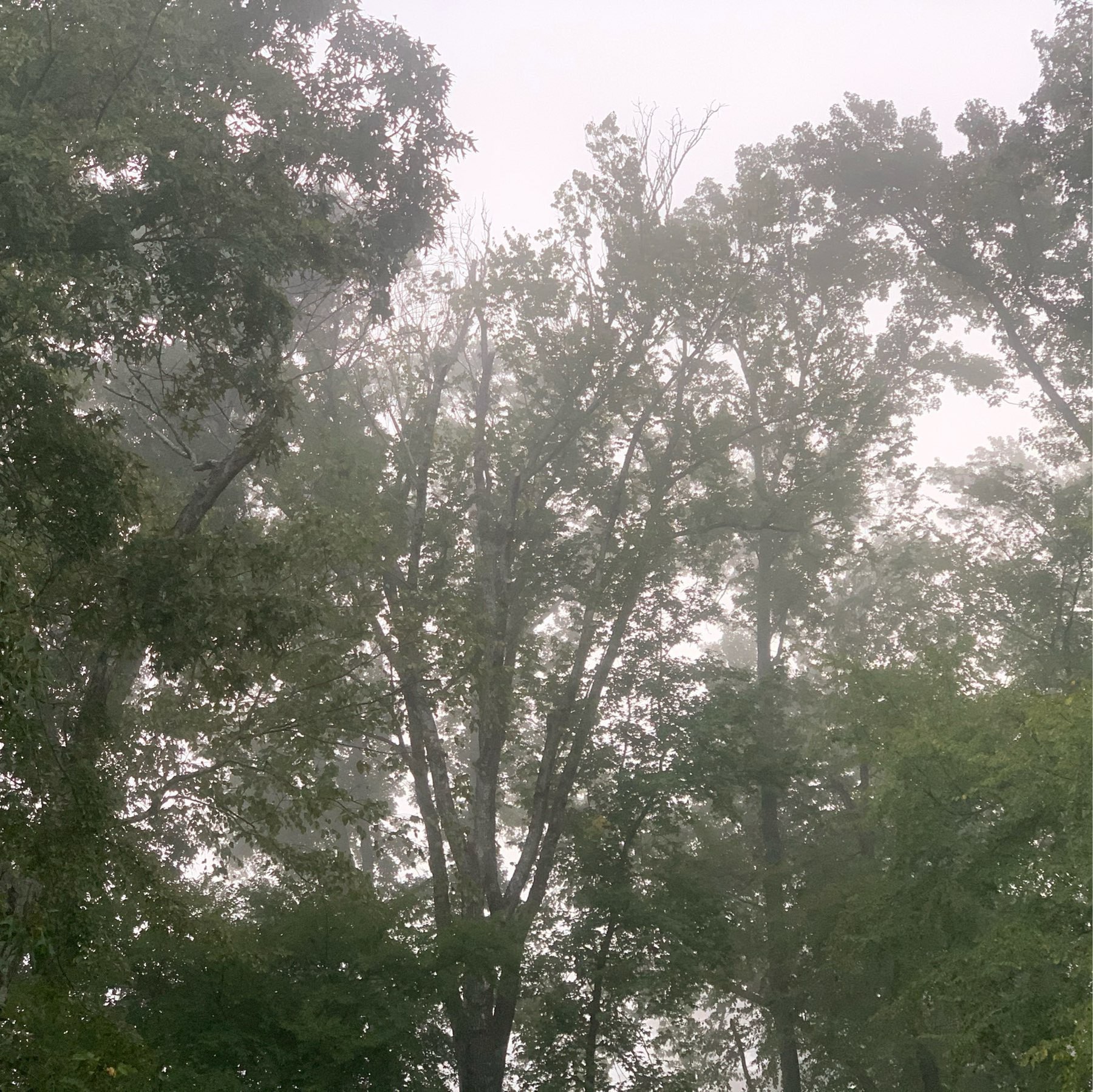
The fog descends.
-
October 2,2019
My neighbors waste no time decorating for Halloween. 🎃
-
Haiku
October 1,2019Massive Clean Up
So much left undone,
Kids engaged. Clean up squad, go!
Done before dinner!
-
October 1,2019
Slow cooker recipes are perfect for cleaning day. 🥘
-
October 1,2019
Lunch time and the first load of laundry is just now coming out of the dryer. Not great. 🧺
-
ChetCast
Episode 114: Time to Get Cleaning
October 1,2019We interrupt the cleaning day already in progress to bring you this podcast.
-
October 1,2019
One ad depicts a smiling mom wiping down a sticky counter on one side of the screen, while on the other a disheveled, unhappy-looking mother drags a MacBook across a puddle of spilled juice, smearing the juice all over the place before she dejectedly throws the MacBook down on the counter and complains that it’s a “useless piece of garbage.”
-
October 1,2019
I love how iOS 13 lets me save screenshots to Files.app, and by extension, my desktop. Having access to my desktop from mobile is perhaps the best feature of iCloud Drive.
I used screenshot webpages that I need to fix and email them to myself. This is a much better workflow.
-
October 1,2019
I got my copy edits back in the mail yesterday. Just a little bit more work to get Humble Service across the finish line.
-
Haiku
September 30,2019Sick Day
Dad is sick today,
Not a good situation.
Kids were quite sweet, though.
-
Catholic Husband
September 30,2019Self-Awareness - Catholic Husband
Curiosity is a wonderful gift, and a strong sense of self-awareness is a trustworthy guide.
➕
-
Haiku
September 29,2019Day One Journal
Six months passed again,
Time to print up my journal.
Life preserved, in print.
-
September 29,2019
Jack Reacher 🍿
-
September 29,2019
Before 737 MAX, Boeing’s Flight-Control System Included Key Safeguards - WSJ
Pilots of the (KC-46) tanker can override MCAS by simply pulling back on controls
An odd feature to remove.
-
Reading
September 29,2019
Currently reading: The Art of War by Sun Tzu 📚
-
September 29,2019
The California and Meridian watch faces on Series 4 are really excellent.
-
Reading
Book Review: Rebel Yell 📚
September 29,2019Thomas “Stonewall” Jackson was a significant leader in the Confederate Army in the opening years of the American Civil War. In many respects, his death as a result of friendly-fire was a turning point in the conflict. His brilliance as a tactician is astounding, even to this day. At a time when forces under his command were dramatically malnourished, undersupplied, and outgunned, he repeatedly delivered decisive blows to the Union Army.
This biography is about as thorough as they come. The reader is treated in detail to the historical background of Jackson. In the vivid, and tragic, details of his life, we see him not as a legendary figure, but as a simple man. He was deeply religious and humble to a fault. He was drawn into the conflict of Civil War against his will, and watched the tranquil pre-war life that he knew in western Virginia crumble.
Jackson’s military prowess was a bit of a shock. His term of service in the United States Army in the early part of the 1800s was disappointing, to say the least. Yet, when handed the mantle of command, he transitioned into a superb military scientist. In engagement after engagement, he surprised, outmaneuvered, and obliterated his opponents on the field. He was daring, and at many times, reckless.
Biographer S.C. Gwynne went to great lengths to tell the story of Jackson’s life. Relying heavily on primary sources, the book is dense with historical records, the thoughts an opinions of those serving under and with Jackson, and copious references to his personal correspondence.
In addition to the personal detail, Gwynne describes the major engagements, including Jackson’s famous Shenandoah Valley Campaign, in gory detail. He details the armaments, tactics, casualties, daily life, and destruction that the War wrought on both the human body and settlements in Virginia and Maryland.
I take from this book a fundamental reality that is as true today as it was in 1861. In this country, we have built institutions and a political process through which we can effect change and govern ourselves. When those political processes are distorted and break down, conflict ensues. The American Civil War was a disastrous chapter in our National history. We must avoid the grisly fratricide that this political breakdown heralds.
Would I recommend: YES
ISBN: 978-1451673296
-
September 29,2019
This mug makes me happy.

-
Haiku
September 28,2019Driving in Silence
Rare to drive alone,
Classical music, quiet!
A nice change of pace.