
-
California
November 4, 2019Incredible news coming from the Pacific Coast. The massive, extended rolling blackouts, wildfires, over a decade to fix utility infrastructure, yikes! It’s hard to believe that a single utility company bears so much responsibility for these woes.
The Editorial Board of The Wall Street Journal, in an unsigned editorial entitled Fires and Blackouts Made in Sacramento, offers this perspective:
The state Public Utilities Commission is in charge of enforcing state safety laws and regulations, which can carry penalties of up to $50,000 per violation per day. Yet PG&E received no safety fines related to its power-grid management over the last several years. The commission has instead focused on enforcing the Legislature’s climate mandates.
The article goes on to highlight the capital investments PG&E has made in order to meet its obligations under California green-energy legislation. In effect, the Editorial Board argues that capital that should’ve been directed to tree-trimming and upgrading infrastructure instead went to these unfunded mandates.
I’m not sure how well this argument holds up, but it certainly offers an interesting perspective. PG&E had a set amount of capital to spend, and management clearly made the wrong choice. The consequences are inconceivable in America today.
-
Catholic Husband
November 4, 2019Servant Leadership - Catholic Husband
Servant leaders build communities and spaces that make a house feel like a home. A selfish little boy trapped in a man’s body can never build that kind of home for his family.
➕
-
November 4, 2019
Photos in iOS13 is great. I love how it surfaces old memories, like the time I took Alison flying in a glider.

-
November 4, 2019
Middle daughter woke up sick. There goes today’s schedule!
I write about this kind of thing extensively in Humble Service.
-
November 4, 2019
This picture of newly-built 737 MAX aircraft on the ramp by Lindsey Wasson for Reuters is really cool. I love seeing all of the liveries together. It’s also cool to see the old and new United liveries next to each other.

-
November 4, 2019
AirPrint is one of the best utilities ever.
-
November 4, 2019
Eight years of tracking, over just like that.

-
November 4, 2019
Roger Stone Trial Likely to Be a Spectacle - WSJ
Contacted for comment, Bruce Rogow, Mr. Stone’s attorney, said: “I enjoy reading the WSJ and will look forward to your article. It will be an interesting trial.”
A much better reply than, “No comment.” Well done!
-
Haiku
November 3, 2019Afternoon Shopping
Eight stops today,
Getting supplies for our trip.
Fun time together.
-
November 3, 2019
Cool clouds as we ran errands this afternoon.

-
November 3, 2019
Just witnessed OfficeMax charge a really old man to scan and email two sheets of paper. No class!
-
November 3, 2019
Book interiors of Humble Service have been delivered to Apple and Amazon. I ordered one more paperback proof to verify layout with the final page count.
Digital versions will release at midnight on November 26th. I expect the paperback edition to be available in the afternoon.
-
November 3, 2019
I love when Apple breaks their own software with OS releases and then doesn’t fix it.
iTunes Producer 3.1.1 doesn’t work in Catalina. I installed it on my MacBook Air running Mojave and got a certificate expired warning.
Classic!
-
Standing Behind Your Product
November 3, 2019We bought a new set of flatware in late August. We really like the set, especially the weight and the design.
Frustratingly, rust spots have started to develop on the handles of the knives. The flatware is made of the same material, with the same finish, but the spots only appear on the knives and only on the handles.
I contacted the manufacturer, Oneida, to find out about their warranty process. The rep informed me that rust is not covered under their warranty.
It’s always shocking to me when companies don’t stand behind their own products, especially an established company like Oneida.
-
Haiku
November 2, 2019Ready to Publish
Book finally done!
Ready to be released, soon!
Feels just like it should.
-
November 2, 2019
Just complied the files of the First Edition of Humble Service.
Six months of work, five rounds of edits, and 40,000 words.
What an incredible feeling.
Can’t wait to release this book on November 26th with my family at our annual Thanksgiving vacation.
🎉
-
November 2, 2019
Fitbit will give you all of your data in CSV format, but only in 31-day increments.
What a bunch of tools.
-
I hit my weight goal. Now what?
November 2, 2019It’s been nearly nine years since that cold, winter morning when I stepped on the scale and saw a number that scared me. I was six months out of college, living on my own, and in the worst physical condition of my life. That weigh-in set me on a journey. Today, all these months, meals, and workouts later, I’m 25% lighter, having also cut my body fat by 13 percentage points.
Honestly, I didn’t think it was possible. I set my weight goal in the upper limits of what the World Health Organization & CDC call “healthy.” I’ve done plenty of research and reading along the way, and I know that weight goals are normally subjective. Every body is different, and every body has a natural set-point, the point at which it’ll stubbornly resist further reduction in weight.
During this time, I’ve become an avid walker. It’s an exercise routine that’s a bit odd for men of my age, but it’s my preferred method of exercise. It’s great for managing my migraines, and gives me a little bit of quiet time to enjoy my podcasts in the morning.
The biggest breakthrough was not in my exercise regime, but in my diet. I had a pretty typical American diet up through the end of 2018. It was in December of that year that I really started looking for a diet to fully implement in my life. I wanted something that would give me a clear plan for what to eat. Alison and I settled on the Keto diet.
We were on keto for eight of the last ten months, only recently transitioning to a low carb high fat diet (LCHF). The key difference between the diets is basically 50 net carbs per day on LCHF instead of the keto 20 net carbs. As it turns out, many of the foods that I really love are LCHF.
The clear source of my weight problem was my high carb/sugar diet. I now average 6 grams of sugar per day and have no cravings. (6 grams is about a 1.25 teaspoons per day!) All of the sweets and treats that I used to eat no longer appeal to me. There are more than a few LCHF-friendly treats that hit the spot. I can manage to eat 1/4 cup (about a small single scoop) of Halo Top ice cream and be satisfied. I’ve even experienced the wonderful taste of coffee, who’s natural flavors I used to drown out in an ocean of cream and sugar.
The factor that made the biggest impact is that I adopted this diet not as a weight loss gimmick, or a short term fix. This diet gives me a clear plan with parameters in which I should operate.
I’m now entering dangerous territory. I’ve spent eight years in a period of weight loss; I now need to learn what it means to maintain my weight. I plan on continuing the positive daily habits that contributed to this success. I’m going to continue a food diary, daily weigh-ins, and morning walks. Over time, as I stay within the +/- 5 lbs. weight limit that I set for myself, I may pare back on the daily weigh-ins and the food diary.
I feel fantastic, for many reasons. I took my kids to swimming lessons last week and for the first time that I can remember, I took off my shirt before getting into the pool and did not feel self-conscious for a moment. That’s a tangible result from hard work and discipline.
The greatest source of joy that this change has brought is how I smile when I see myself in the mirror. The person that I see is the young, healthy, vibrant man that I used to see in my mind’s eye. Only now, there’s no distortion; it’s truly me.
-
November 2, 2019
Mixing cream is delightful to watch. ☕️
🎞
-
November 2, 2019
I have a two week vacation coming up at the end of the month. Once I finish up Humble Service and get it uploaded this weekend, I might take a break and start my Apple Arcade trial. 🕹
-
November 2, 2019
Alternate heating source.

-
Haiku
November 1, 2019No Heat for Days
Bad news for us, folks.
Heater broken til Thursday.
Time to bundle up!
-
November 1, 2019
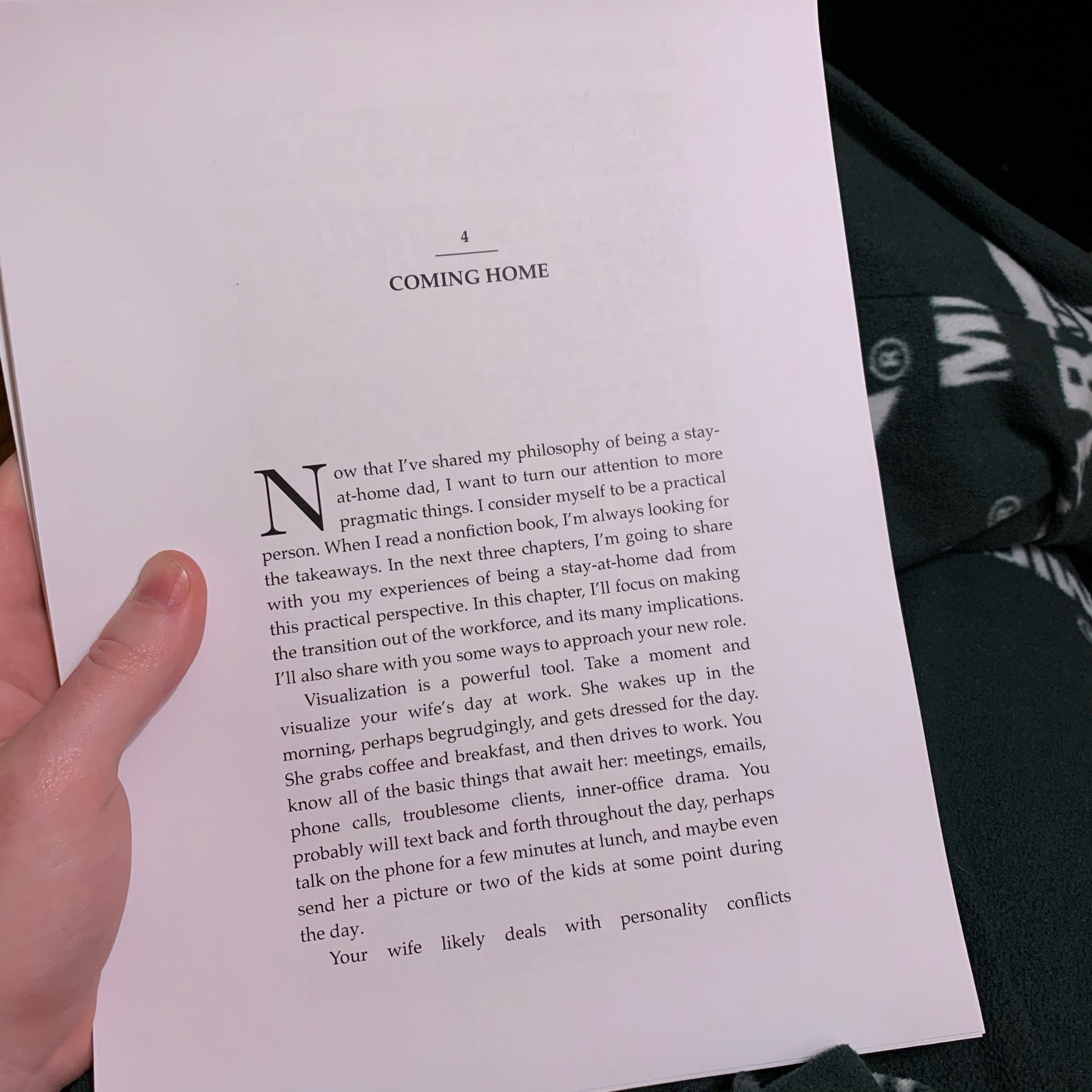
Just a bit further now.
-
November 1, 2019
For three books, I’ve been doing my editing all wrong. Now I know for #4!
-
November 1, 2019
Recipe Behind Coca-Cola’s Milk Success: Less Sugar, More Protein - WSJ
While regular milk has 8 grams of protein and 12 grams of sugar per 8-ounce serving, ultrafiltered Fairlife and Organic Valley Ultra each have 13 grams of protein and 6 grams of sugar.
Fairlife rocks.